Speaker Cleaner Tools
Every DrySpeaker tool lives here. Each one targets a different problem, so pick the mode that matches what happened to your speaker. All of them are free, run in your browser, and need no installation.
Cleaning modes
Water Eject
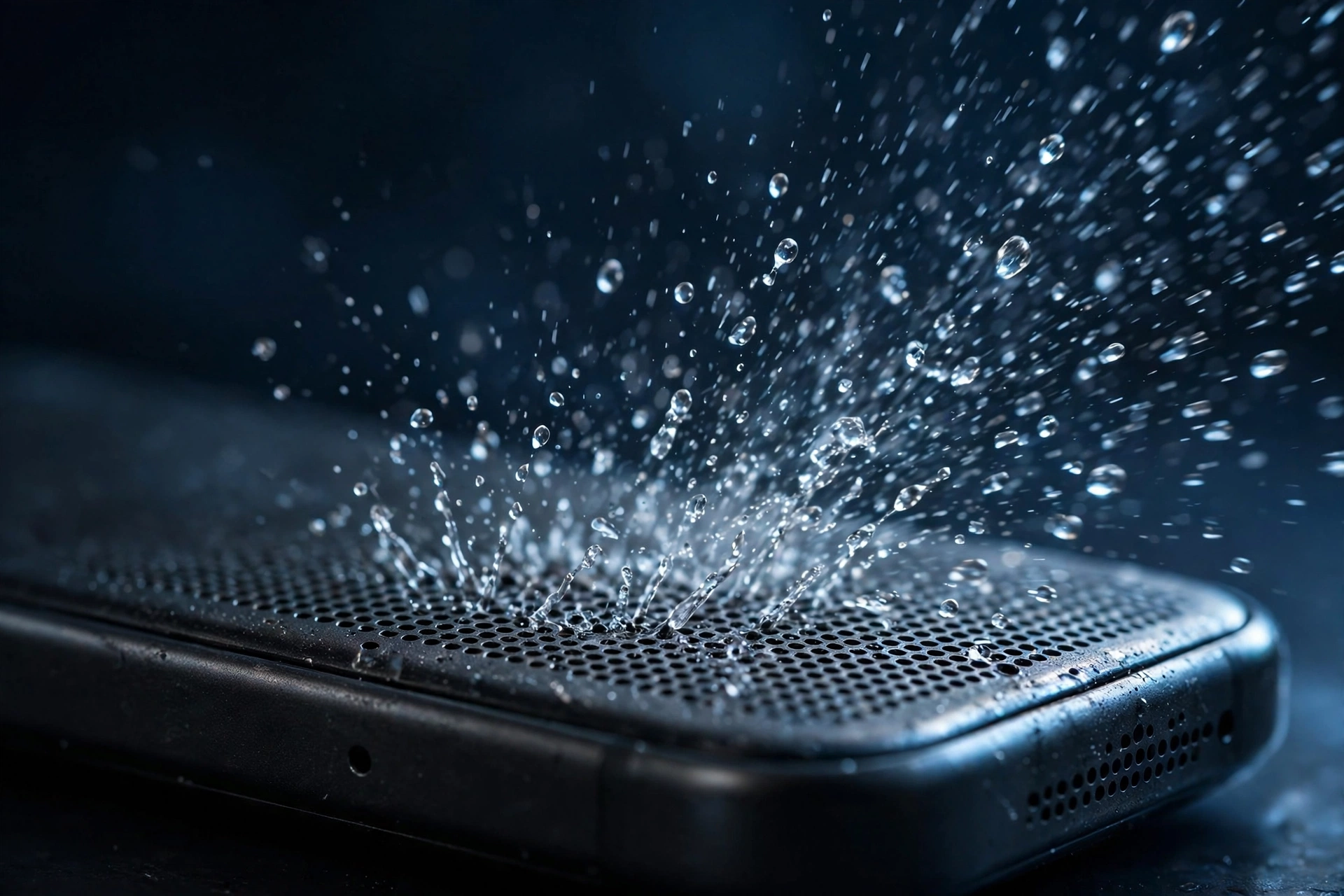
A 165 Hz tone that pushes trapped water out of the speaker grille. Use it after rain, splashes, pool accidents, or sweat. This is the mode most people need.
Dust Cleaner
A sweeping tone that shakes loose pocket lint and fine dust from the speaker mesh. Use it when the sound faded slowly over weeks and the phone never got wet.
Earpiece Cleaner
A gentle tone for the small call speaker at the top of your phone. Use it when music sounds fine but callers are hard to hear.
Microphone Cleaner
A tone tuned for the microphone opening. Use it when people say you sound distant or muffled on calls and voice recordings.
Diagnostics
Speaker Test
Plays isolated left and right channel tones so you can check whether each speaker works. Run this before cleaning if you are not sure what is wrong, or after cleaning to confirm the fix.
Frequency Generator
A manual slider from 50 Hz to 20,000 Hz for stubborn cases. If the preset modes do not clear the blockage, sweep slowly and listen for the frequency that moves the most debris.
Not sure where to start?
If your speaker problem started suddenly after contact with water, start with water eject. If it crept in gradually, start with the dust cleaner. If calls are the problem but music is fine, the earpiece cleaner is the right choice. And if you cannot tell what is wrong, run the speaker test first and let your ears decide.