
Earpiece Quiet During Calls
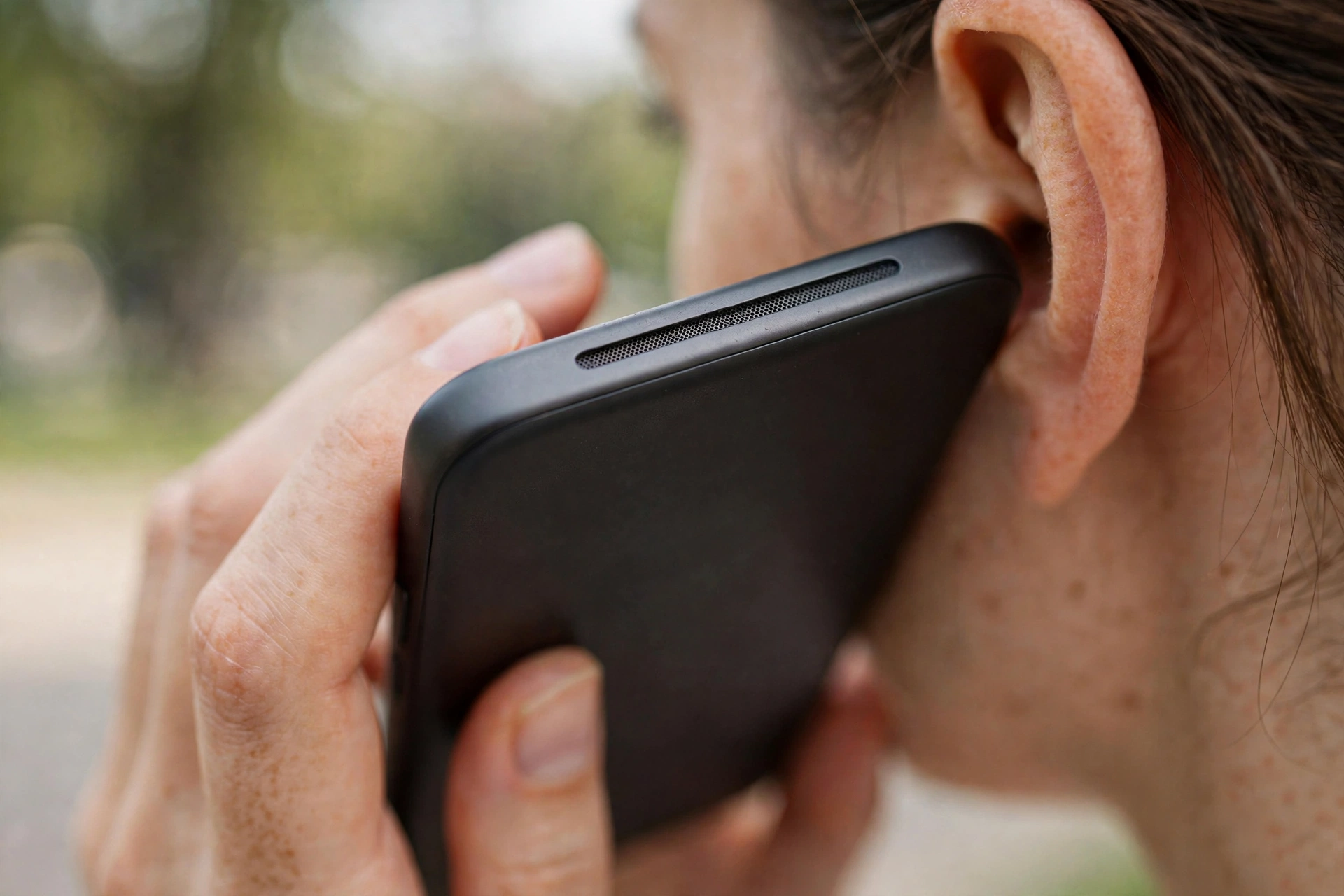
When callers sound faint but music and videos play at normal volume, the problem is isolated to the earpiece: the small speaker at the top of your phone. Its grille collects skin oils, makeup, and dust every time you hold the phone to your ear. The tool above plays a gentle tone made for this smaller speaker.
Quick diagnosis
- Is it all calls or one caller? If one person is always quiet, the problem is on their end. If everyone is faint, it is your earpiece.
- Does speakerphone sound normal? If yes, that confirms the main speaker is fine and the earpiece is the culprit.
- Is the volume actually up? During a call, press the volume up button. Call volume is separate from media volume, and it is easy to have it turned down without noticing.
The fix
Play the earpiece cleaner tone above. Hold the top of the phone tilted slightly downward so loosened debris falls out. Around 80 percent volume is enough. There is no need for maximum here.
After the tone, wipe the earpiece slot with a dry soft cloth, then make a test call. Compare carefully. Even a small improvement means the cleaning is working, and a second cycle often finishes the job.
If it is still quiet
Earpiece grilles clog with compacted oils that sound alone sometimes cannot move. Take a soft dry toothbrush and brush very lightly across the slot, always sweeping outward, never pushing in. Follow with one more tone cycle.
If the earpiece stays quiet after all of this, check one software cause: some phones have a hearing aid compatibility or mono audio setting that changes call audio routing. If settings are normal and cleaning did not help, the earpiece itself may be failing, which a repair shop can replace.