
Dust Cleaner Sound
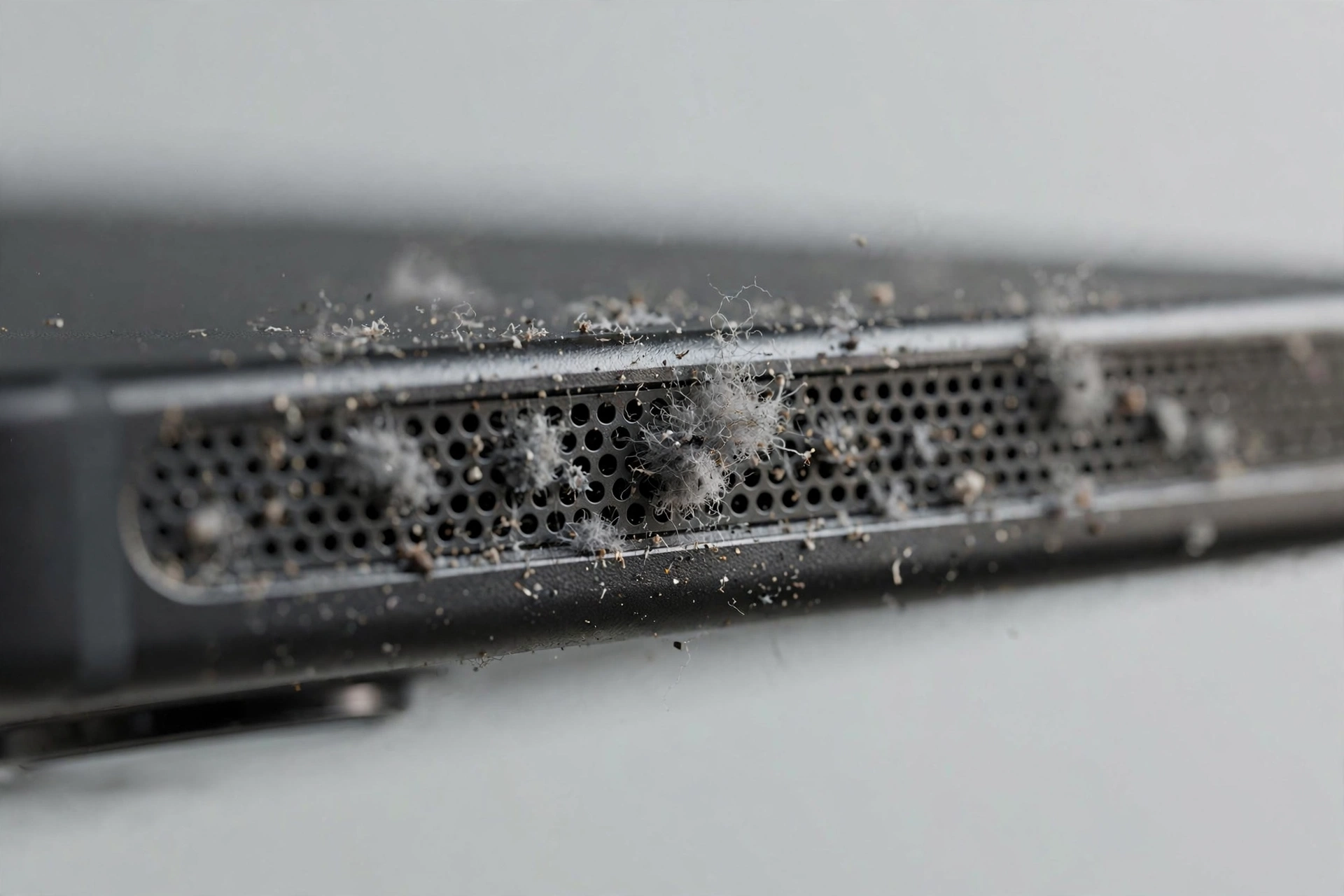
The dust cleaner plays a tone that sweeps from high to low frequency over 3 minutes. The constantly changing vibration shakes pocket lint, dust, and fine debris loose from your speaker mesh. Press play above with the volume at maximum.
When to use this mode
Dust buildup is gradual. If your speaker sounded fine months ago and has been getting quieter week by week, and the phone never got wet, dust is the likely cause. You will often see the problem first in the bottom speaker, which sits closest to your pocket.
Do not use this mode for fresh water exposure. Wet debris responds better to the steady push of water eject mode.
How to get the best result
- Inspect the grille with a bright light. If you can see lint packed into the holes, sound alone may need help.
- Brush gently first. A soft, dry toothbrush swept lightly across the grille loosens surface lint. Never push inward.
- Play the tone at maximum volume with the speaker facing down.
- Repeat two or three times. Dust often comes out in layers.
- Finish with the brush once more to sweep away what the tone loosened.
Keeping the grille clean
A surprising amount of dust comes from pockets. If you carry your phone in a pocket, the speaker grille acts like a lint trap. Wiping the bottom edge of your phone with a dry cloth once a week prevents most buildup. Phone cases with covered speaker ports also help, though they slightly muffle the sound.
If the speaker still sounds weak after cleaning, the speaker test can confirm whether the mesh is clear or the speaker itself is worn.