Earpiece Cleaner
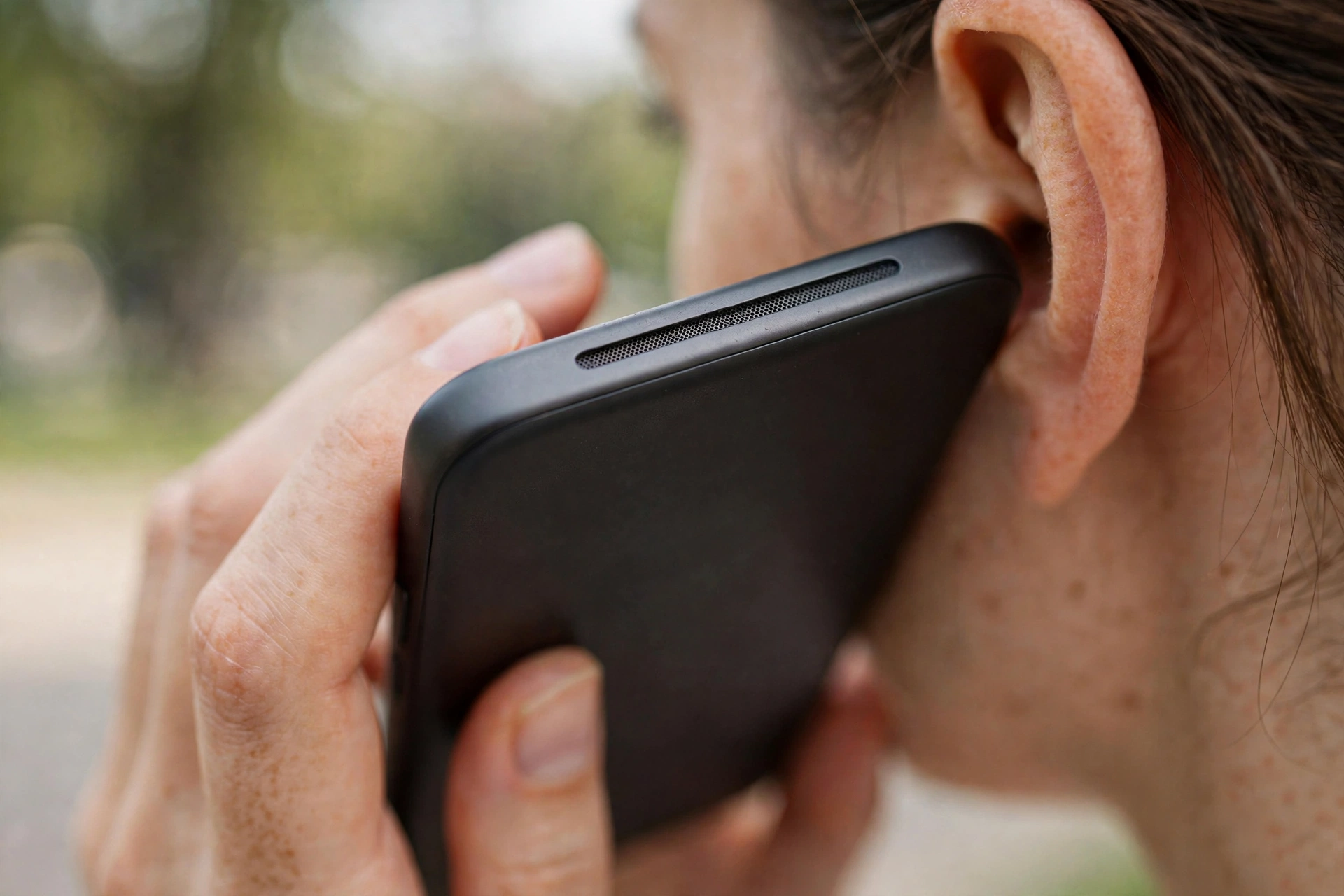
The earpiece cleaner plays a gentle tone tuned for the small call speaker at the top of your phone. If music and videos sound normal but callers are hard to hear, this is the mode you need. Press play above and hold the top of the phone facing slightly downward.
When to use this mode
The earpiece is the speaker you hold to your ear during calls. It is smaller than the main speaker and sits right where skin oils, makeup, and dust accumulate. Over time the grille clogs and voices sound distant or muffled, even though everything else plays fine.
Use this mode when callers sound faint on every call, when you have to press the phone harder against your ear than you used to, or when speakerphone sounds fine but the earpiece does not. If all audio is muffled, use water eject or the dust cleaner on the main speaker instead.
How to get the best result
- Find the earpiece. It is the thin slot at the top of your screen, sometimes nearly invisible.
- Wipe it gently with a dry, soft cloth to remove surface oils.
- Play the tone at high volume. You do not need maximum here. Around 80 percent is plenty for the small speaker.
- Tilt the top downward so loosened debris falls out instead of back in.
- Test with a call. Phone a friend or play a voicemail and compare.
If it is still quiet
Earpiece grilles also clog with hardened oils that sound alone cannot move. A soft dry toothbrush, brushed very lightly across the slot, finishes the job. Never use liquids or sharp objects on the earpiece. If the earpiece stays quiet after cleaning, read our guide on quiet earpieces during calls for deeper troubleshooting.