
Speaker Crackling or Distorted
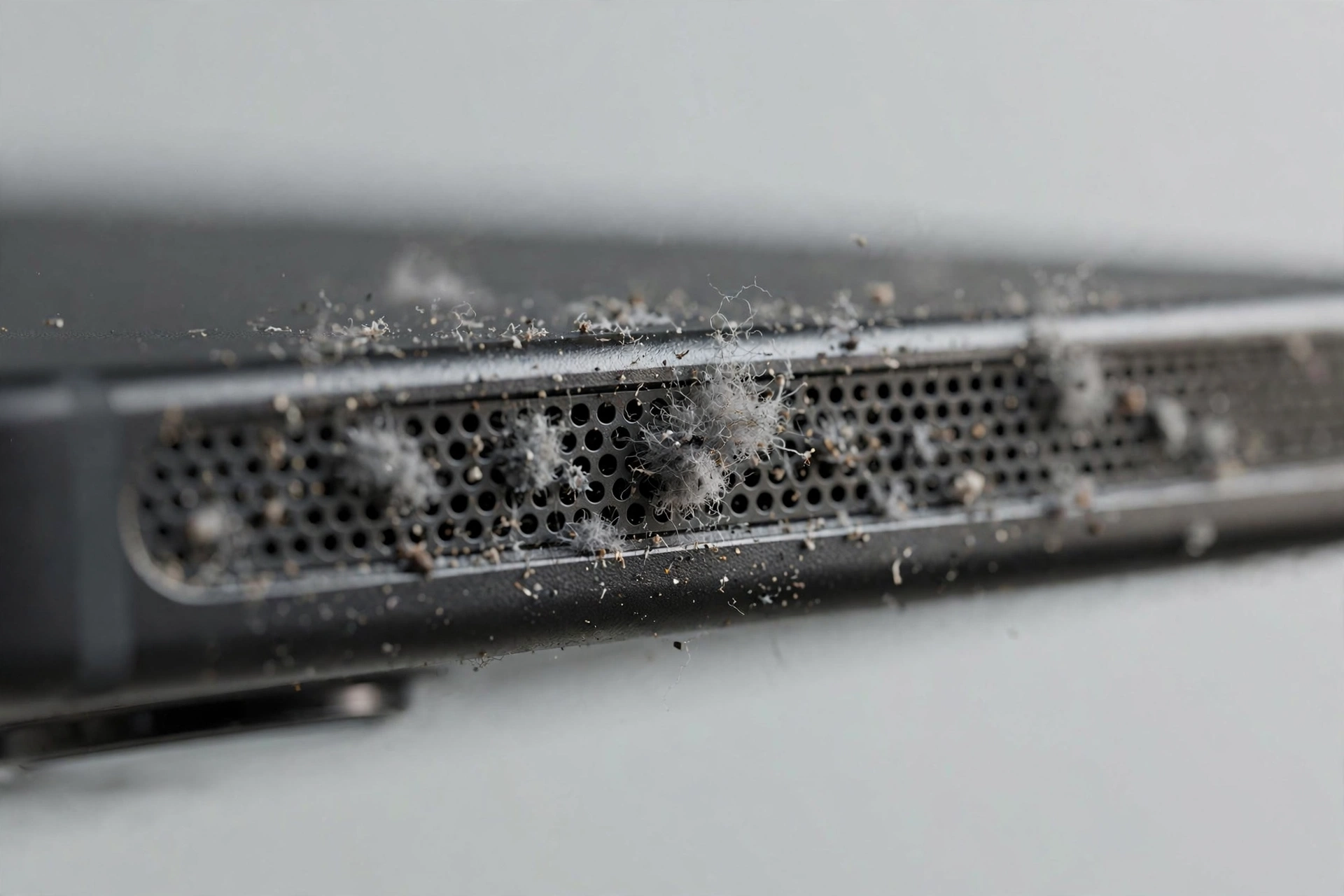
Crackling means the speaker membrane is not moving freely. Something is interfering with it. That something is either debris touching the membrane, water altering how it vibrates, or damage to the membrane itself. The tool above runs the dust cleaner sweep, which is the right first step for the debris case.
Quick diagnosis
- When did it start? Suddenly after water points to moisture. Gradually over weeks points to dust. Right after a drop points to damage.
- Does it happen at all volumes? Only at high volume suggests debris or partial damage. At every volume, including quiet, suggests a more serious problem.
- Is it one speaker or both? Run the speaker test. If only one channel crackles, the problem is local to that speaker.
The fix, in order
Step 1: Clean. Play the dust cleaner tone above at maximum volume, speaker facing down, for two or three cycles. If water was involved recently, run water eject first, then the dust sweep.
Step 2: Brush. A soft dry toothbrush across the grille dislodges debris the tone loosened. Be gentle and never push inward.
Step 3: Re-test. Play the same song at the same volume as before. If the crackling is gone or clearly reduced, repeat the cleaning once more.
If the crackling stays
Persistent distortion after thorough cleaning usually means the membrane is damaged or warped. This happens after drops, after water dried and left residue that stiffened the membrane, or simply with age. No tone can repair a torn or warped membrane. A speaker replacement is inexpensive at most repair shops and restores the sound completely.
One more check first: play audio from a different app and a different file. Rarely, the distortion is in the audio itself, especially with low quality streams. If every source crackles identically, it is the speaker.