Water Eject Sound
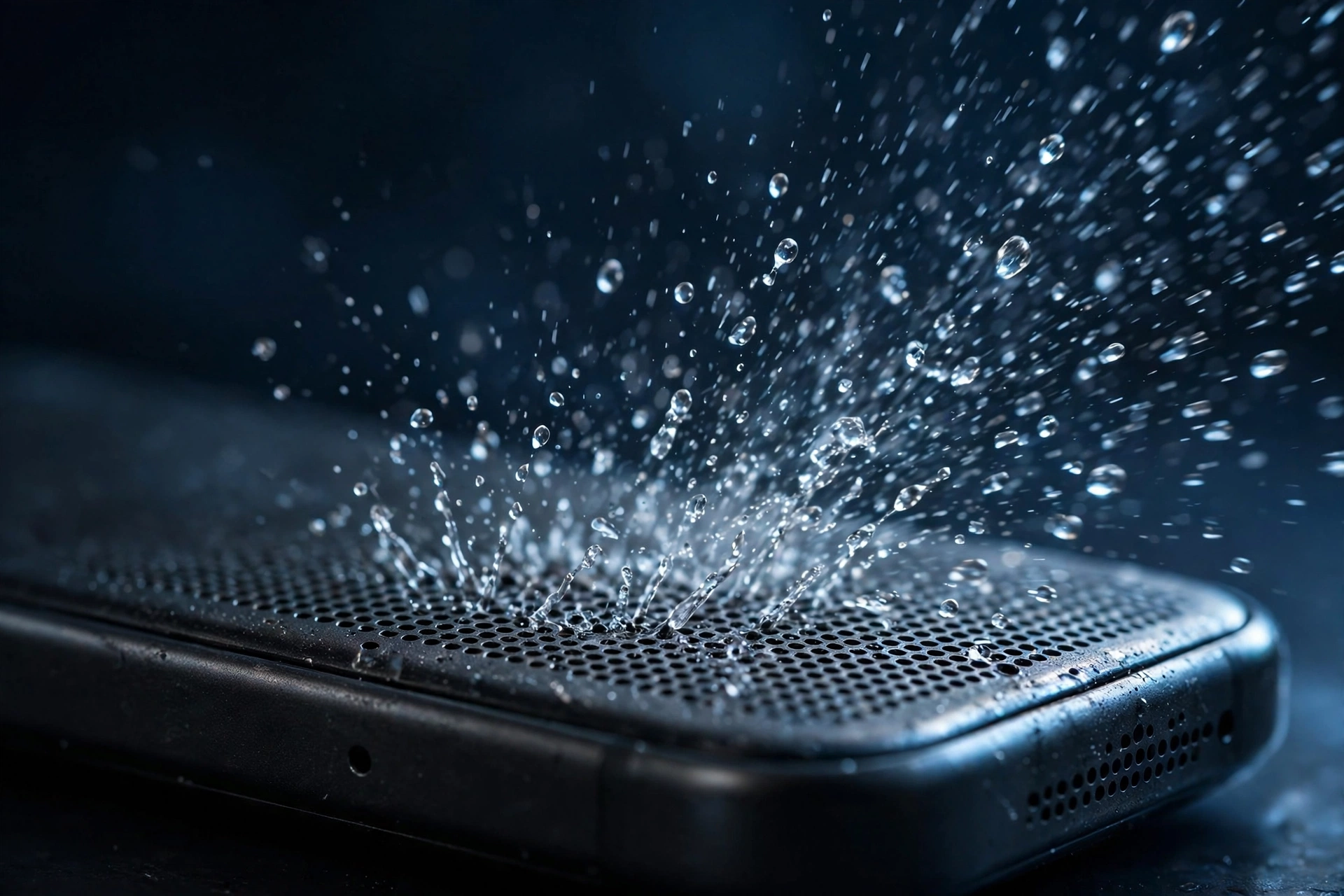
The water eject tool plays a 165 Hz tone that vibrates trapped water out of your phone speaker. Set your volume to maximum, hold the speaker facing down, and press play. One cycle lasts 3 minutes.
When to use this mode
Use water eject when the muffled sound started after contact with liquid. That includes rain, a dropped phone, splashes in the kitchen, pool water, sweat from a workout, or steam from a shower. If the timing lines up with water exposure, this is the right mode.
If your phone never got wet and the sound faded slowly, the problem is more likely dust. Switch to the dust cleaner instead. Using the wrong mode wastes your time, because water and lint respond to different frequencies.
How to get the best result
- Remove the case. Cases trap expelled water against the speaker port.
- Unplug everything. Headphones and Bluetooth speakers will steal the audio. The tone must come from the phone speaker itself.
- Volume to maximum. This is not optional. The physics only works with strong membrane movement.
- Speaker facing down. Gravity works with the vibrations, not against them. Hold the phone over a towel or cloth.
- Run the full 3 minutes. Stopping early leaves water behind.
- Wipe and repeat. Dry the grille with a soft cloth, then run another cycle if needed.
After the water is out
Play a song or a voice memo to check the sound. If it is clear, you are done. If it is better but not perfect, give the phone some drying time and try again later. Water can hide in the mesh and need a second session.
If the sound does not improve after three cycles, run the speaker test to check for hardware damage. And if the water was salt water or pool water, rinse the phone gently with fresh water first, because corrosion is a different problem that sound cannot fix.