How to Get Water Out of Phone Speaker
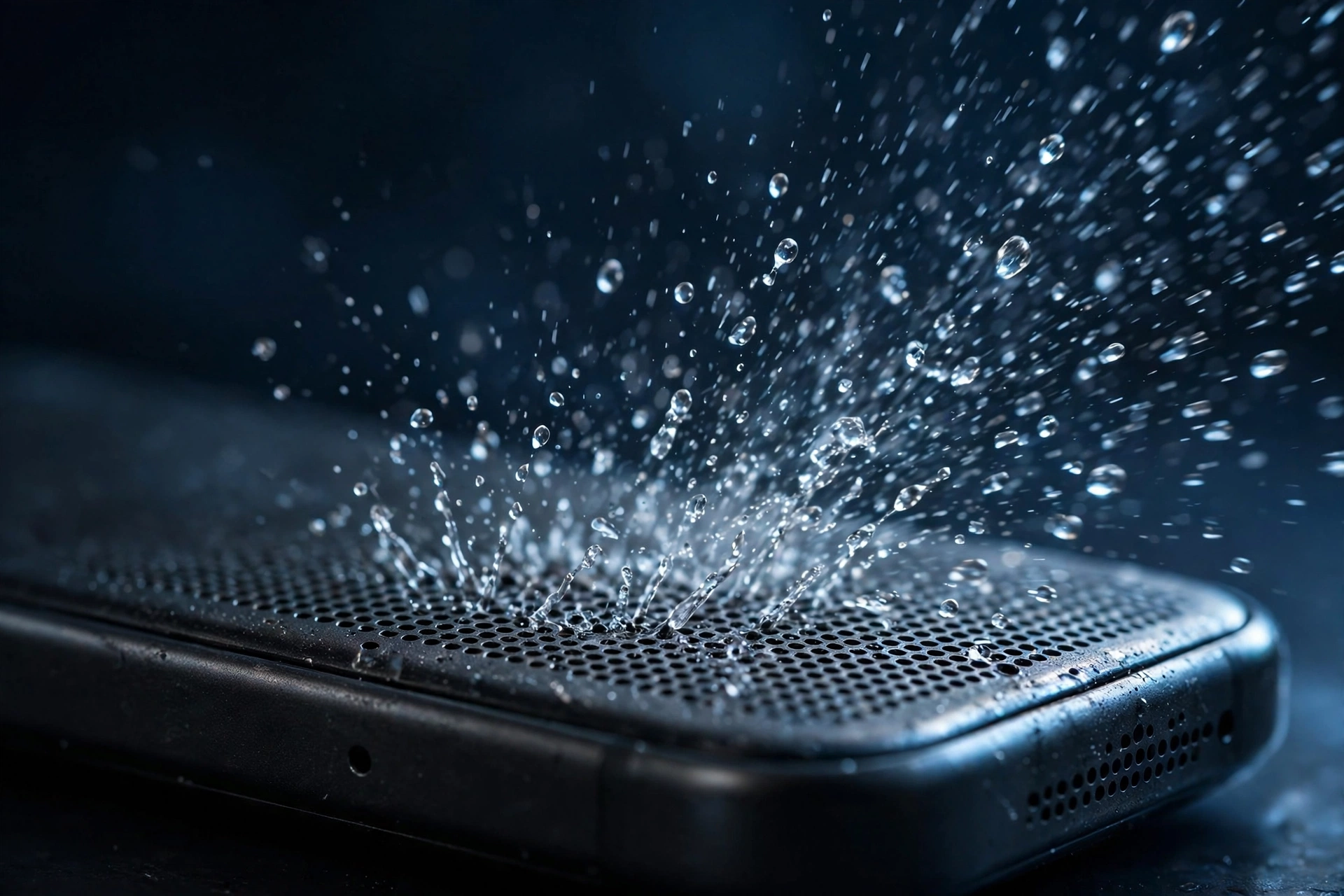
Water in a phone speaker is the most common speaker problem there is. Rain, a dropped phone, sweat, or steam — any of them can leave the speaker sounding muffled, quiet, or distorted. The good news: in most cases you can get the water out yourself in under a minute. Here are the four methods that actually work, ordered from fastest to slowest.
Method 1: Play a 165 Hz water eject tone (fastest)
A 165 Hz sine wave makes the speaker membrane vibrate in a way that pushes water droplets out through the grille. This is the same principle behind the Apple Watch’s water eject feature.
- Open the water eject tool.
- Set your volume to maximum and unplug any headphones.
- Hold the phone with the speaker facing down over a towel.
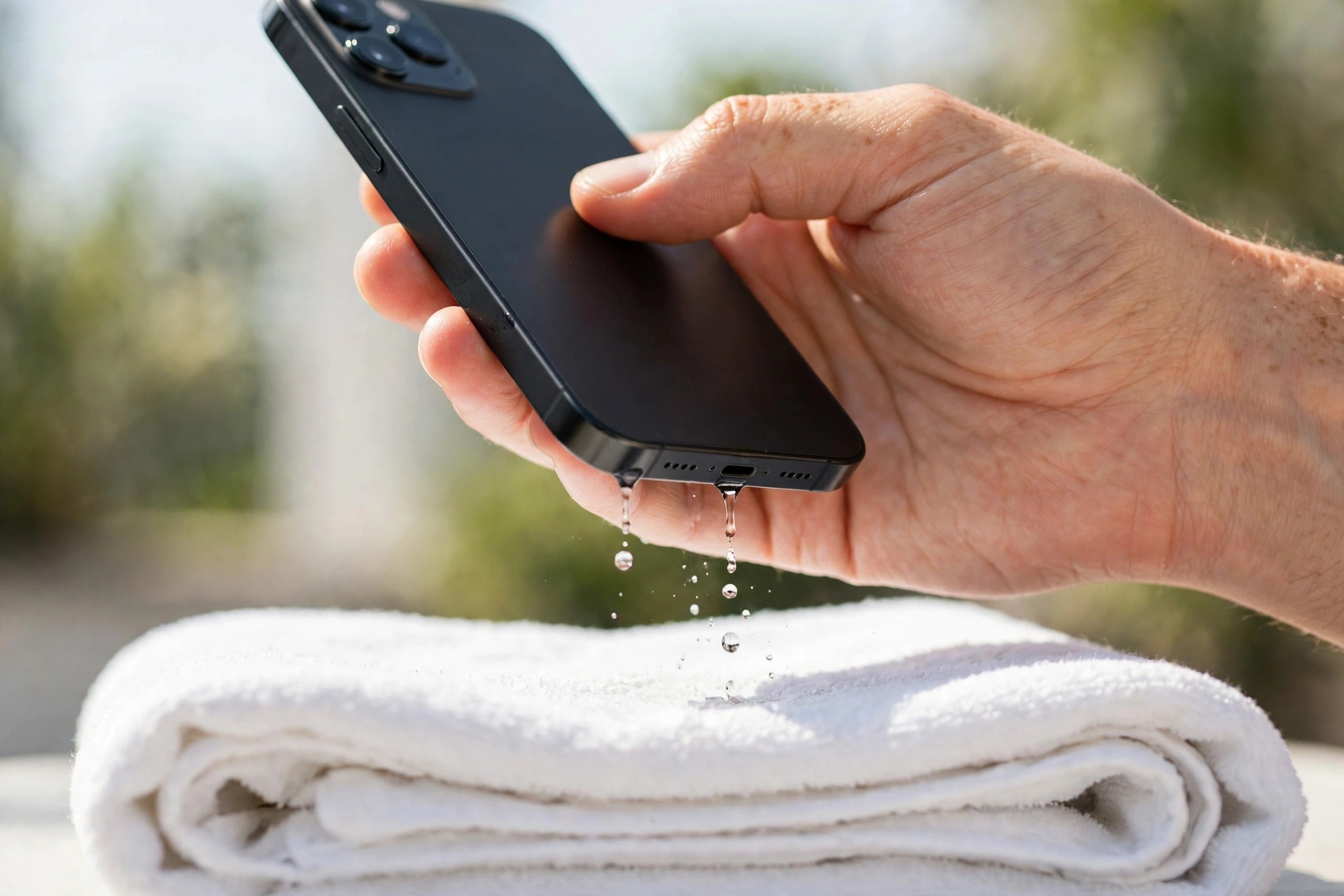
- Press play and let the full 3-minute cycle run.
- Wipe away the droplets and run a second cycle.
Most splashes clear in one or two cycles. If your speaker still sounds muffled afterward, read our muffled speaker diagnosis to work out what to try next.
Method 2: Gravity and airflow
If you cannot play a tone right now, hold the phone speaker-down and let gravity do the work. Place it in a ventilated spot — near a fan, not on a heater. Do not charge it while it is wet. This method is slow, taking hours, and it struggles with water trapped in the fine mesh. Use it as a backup, not the plan.
Method 3: Silica gel packets
Silica gel absorbs moisture far better than rice. Seal the phone in a bag or container with several silica gel packets for 12 to 24 hours. This helps with moisture inside the phone, but it does little for water sitting in the speaker grille itself, which is why it pairs well with Method 1 rather than replacing it.
Method 4: Professional drying
If the phone was fully submerged for a long time, water may have reached past the speaker into the internals. No tone or drying trick reaches that far. A repair shop can open the phone, disconnect the battery, and dry the boards properly. Go this route if the speaker still sounds wrong after several eject cycles and a full day of drying.
What not to do
Do not put the phone in rice. Apple and repair professionals advise against it: rice dust gets into ports and rice absorbs moisture too slowly to prevent corrosion. Do not use a hair dryer on high heat, which can damage the battery and screen adhesive. Do not shake the phone violently or poke the grille with anything sharp.
Salt water and pool water need an extra step
If the water was salty or chlorinated, rinse the phone gently with clean fresh water first, then eject. Salt corrodes metal contacts as it dries, and that corrosion is permanent, so do not skip the rinse.
How to tell it worked
Play a song you know well and compare it to how you remember it sounding. For a more precise check, run the left and right speaker test before and after cleaning. If the tones sound clearer and more balanced, the water is out.
Related: dust in the speaker can feel identical to water damage — if the muffling came on slowly with no water involved, lint is the likelier culprit.